Get Brand Deals and Get Paid,
Without the Chasing
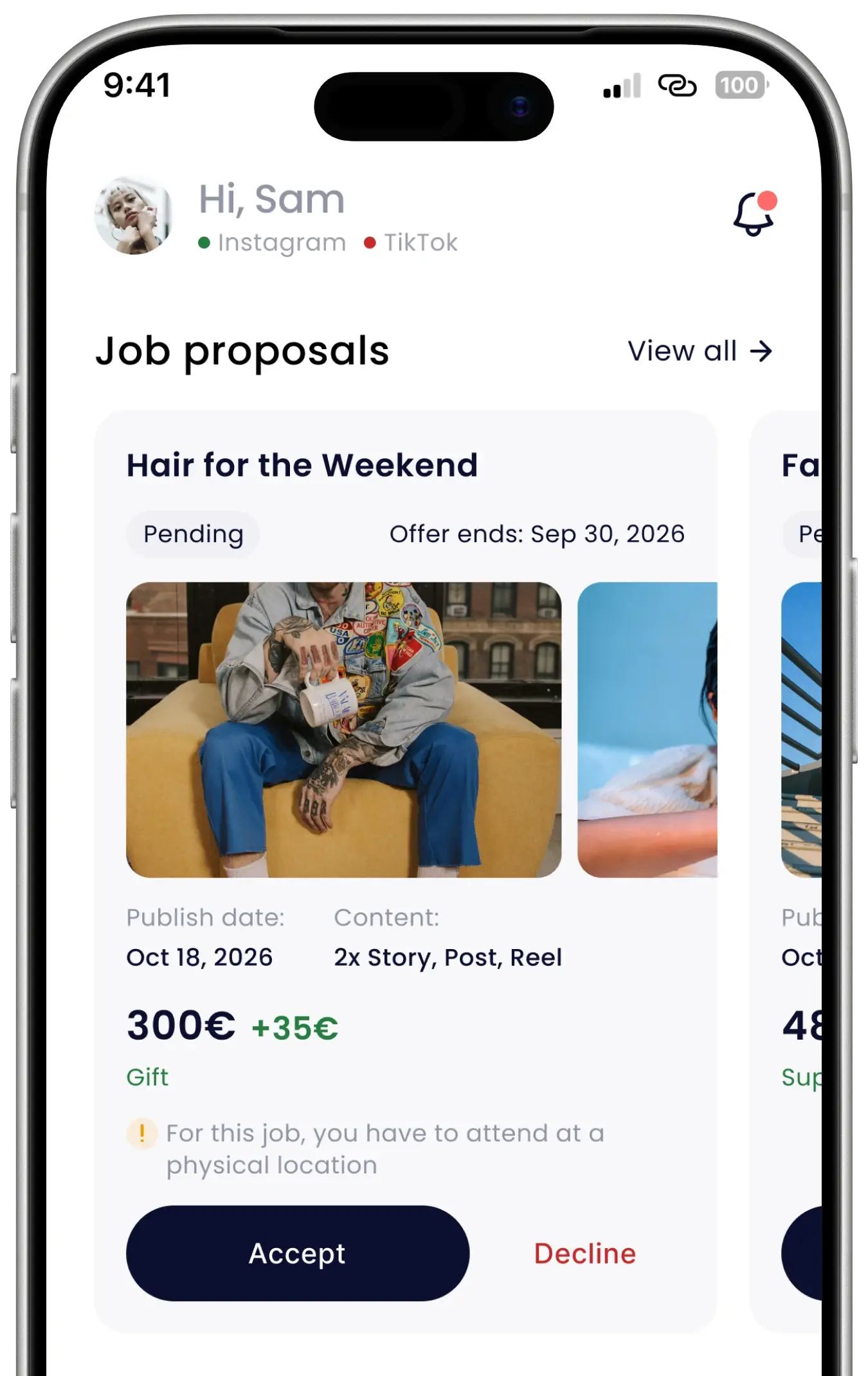
Hypefy puts your Instagram and TikTok campaigns in one place: proposals, contracts, content, chat with the brand and payouts.
Joining is free, and you decide which campaigns you take.
Influencers on Hypefy have made content for brands like these.








Every Deal in Writing Before You Start
No negotiating terms in comments, no losing the brief in a chat thread, no wondering whether anyone received your invoice. A campaign on Hypefy arrives as a proposal with the brand, the deliverables, the deadline and the fee already written down.
From Sign-Up to Payout
Brands come to you with campaigns that already have a budget behind them. You decide at every step which ones you take.
Sign Up
Email, Google or Apple, or claim the profile Hypefy built for you with a referral code.
Connect
Log in through Instagram or TikTok to prove the account is yours. That verifies your profile.
Get Offers
Proposals reach your inbox with the brand, the brief, the deliverables and the fee.
Accept
Each job gets its own contract. Read it, tick to accept. One campaign, no exclusivity.
Create
Upload from your phone or desktop. Change requests come back in the chat with the brand.
Get Paid
Mark the post published, send insights screenshots, upload your invoice and track the payout.
Influencers on Working With Hypefy
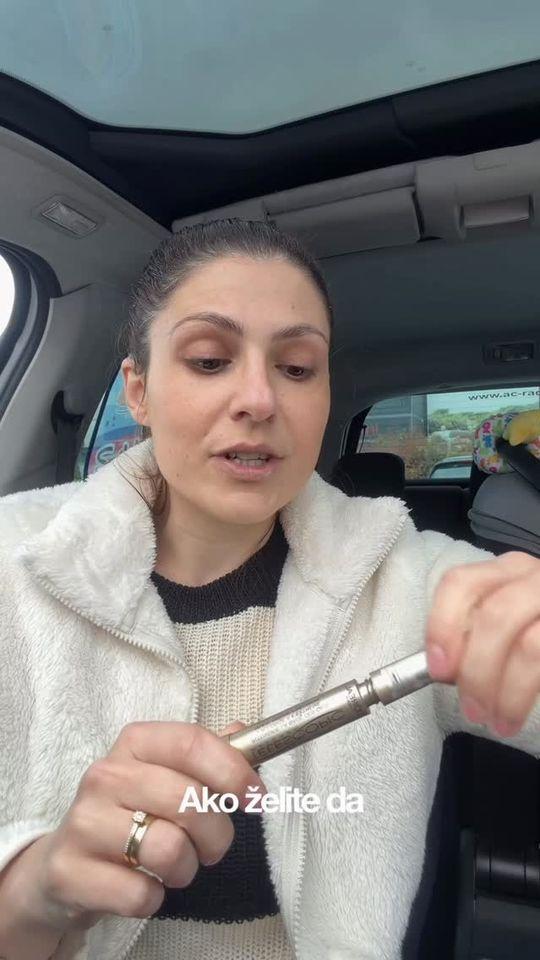
Influencers who already run campaigns on Hypefy, in their own words and their own style.
“I work through Hypefy more and more, because it saves me time and everything is simple, quick and fun.”
“How long does one video really take? Sometimes far longer than people think. Thanks to Hypefy for making the whole process simpler and easier.”
“Offers, campaigns, posts and results in one place. If you are a creator, Hypefy is a real life saver.”
“I have been testing Hypefy for a while, and everything goes much faster when it is organised. If you do collaborations, this will really help.”
“I am still building my profile, and Hypefy has helped me a lot with it.”
“How do I balance content work and private life? Mostly chaotically, but the video shows what helps me a lot.”
“The perfect platform for growth and development.”
“A life hack from me.”
“How do you become an influencer?”






Everything for a Collaboration, in One Place
The brief, the contract, the brand, the content and the money, all attached to the same job.
A Verified Profile
Connecting Instagram or TikTok through the official login verifies your account and pulls in the profile data Hypefy already had for you, so you do not start from zero.
Briefs in Your Language
Brief sections written in another language get a Translate button, with the original kept next to it. The app itself runs in English, Spanish, French and Croatian.
One Thread with the Brand
Questions, change requests and approvals all happen in a single chat on the job, translated per message, so nothing is buried in an inbox.
A Contract Per Job
Every accepted proposal generates its own contract PDF with the fee, the deliverables and the deadlines. It stays downloadable for as long as you need it.
Your Results on Record
Submit screenshots of your native insights once a post is live. Those numbers feed the report the brand sees, so the performance you delivered is documented.
Payments You Can Track
Invoice each job from the app once its deliverables are done, then follow it through with its amount, its status and its expected payment date.
Run Your Campaigns From Your Phone
The app is the same account as the web app, on as many devices as you use. Most influencers do everything from it, because that is where the content already is.
Upload without a laptop
Pick the video or images straight out of your camera roll and watch the upload progress. No moving files to a desktop first.
Know the moment it happens
Push notifications when a proposal arrives, a brand asks for changes, or a payment goes out.
Screenshot your insights
Capture your native Instagram or TikTok insights and submit them for the job without leaving your phone.
Free on iOS and Android, and you can sign up in the app itself if you have not already.
Ready to Work With Brands?
Create a profile, connect Instagram or TikTok, and campaign proposals come to you.
Free to join, and you decide which ones you take.
Already had an email from Hypefy? Use the referral code in it to claim the profile waiting for you.
Influencer FAQ
Hypefy is an influencer marketing platform. Brands use it to plan and run paid campaigns; influencers use it to receive proposals for those campaigns, deliver the content and get paid.
Everything a collaboration needs, the brief, the contract, the chat with the brand, the content and the payout, sits in one place instead of being spread across DMs, email and spreadsheets.
No. Creating a profile is free and there is no subscription for influencers. The fee written on a proposal is the fee you are paid.
Invoicing and tax on that fee are yours to handle, as with any paid work.
Yes, if it comes from a hypefy.agency or hypefy.ai address. Hypefy contacts influencers by email about specific campaigns, so a message naming a brand, a brief and a fee is what our outreach looks like.
Outreach emails come from a hypefy.agency address. The influencer app is at influencer.hypefy.ai, and this site is hypefy.ai. All three are Hypefy.
If you would rather not trust a link in an email, ignore it and go to influencer.hypefy.ai yourself, or write to support@hypefy.ai and ask. Hypefy will never ask you for your Instagram or TikTok password, and never asks you to pay anything to take part.
When Hypefy approaches an influencer who is not on the platform yet, it builds a placeholder profile from public data and attaches a code to it. Entering that code when you register proves the profile is yours and moves everything on it onto your account, including any proposals already waiting for you.
Codes are single-use and expire one week after they are issued. It is not a refer-a-friend scheme, so there is no bonus attached to it and nothing to share with other influencers.
Register at influencer.hypefy.ai with an email and password, or with Google or Apple. Confirm your email, fill in a short form, then connect Instagram or TikTok.
The mobile app is on the App Store and Google Play and uses the same account.
Connecting through the network's own login is how you prove the account belongs to you, and it is what puts the verified mark on your profile. Hypefy never gets your password and cannot post on your behalf.
The audience and engagement figures on your profile come from Hypefy's own analysis rather than from that login. If Hypefy already held public data for your username, it merges onto your account when you connect.
One account per username, and you cannot disconnect a network while you have an active job running on it.
Brands do not browse a directory and message you directly. A brand builds a campaign with a brief and audience criteria, Hypefy matches influencers against it, and the brand approves a shortlist. If you are on that shortlist, a proposal reaches your inbox.
Influencers who are not signed up yet are reached by email first, which is where referral codes come from.
Yes, to any proposal, with no penalty. You pick a reason when you decline, and that feedback shapes what you are matched with next:
- The price is too low
- It is not a fit for you or your audience
- You are too busy
- Something else
If you are interested but not ready to commit, you can flag a proposal as interested and we might reach out again.
Each section of the brief is checked against your app language, and anything written in a different language gets a Translate button. The original text stays next to the translation. Messages in the chat with the brand translate the same way, one message at a time.
The app itself is available in English, Spanish, French and Croatian.
Accepting a proposal opens a contract for that single job. You confirm your legal details, read the generated PDF and tick to accept it. The contract stays downloadable from the job at any time.
Contracts are generated in English or Croatian, depending on your app language.
Accepting the job in the app means you agree to that proposal's contract terms.
Every proposal carries a fee that is decided based on your recent post performance, the market you are in, the campaign budget and the campaign context. The fee that is listed on your proposal is the amount you are paid for the job.
If the price or the format changes mid-campaign, the job is flagged as a contract change and pauses. A new contract is generated and you either accept it or decline it. Nothing moves forward on that job until you decide.
From the app itself. Upload your video or images straight from your phone, or from your desktop if you edit there, and add notes or a caption in whatever language you prefer, the brand reads them translated.
If you want to give the brand more than was contracted, you can add extra content to an active job.
The post comes back to you with the change request written into the job chat, and you re-upload a new version. Every revision is kept in that thread, so what was asked for and what you delivered stays on the record for both sides.
Usage rights are whatever the contract for that campaign says, which is why it is worth reading the PDF before you accept rather than after. If anything in it is unclear, ask in the job chat or email support@hypefy.ai before you sign.
Mark the post as published with its link, then submit screenshots of the native insights from Instagram or TikTok. The app shows you which screens to capture.
Performance numbers are read from those screenshots; Hypefy does not pull stats from your account automatically. If a screenshot cannot be read, you will be asked for another one, the same way content revisions work.
You invoice Hypefy per job, and the invoice has to be legally valid where you are based. Hypefy does not issue it for you.
How you issue it is up to you. Hypefy accepts any legally valid invoice and does not require a particular service. Which option fits depends on your country and tax status, so check that before you choose.
Before your first job completes, fill in the details you invoice under in settings:
- Your company or business name
- Your tax or VAT ID
- Your billing address
Get those in early. A job cannot be paid until they are there.
Once every deliverable on a job is complete, an invoice slot opens on that job. You upload your invoice against it for the fee agreed on the job, which is shown on the job and on your payments page.
Hypefy pays it out and marks the job paid, and you get a notification when that happens.
A job becomes payable once all of its deliverables are complete and you have uploaded your invoice against it.
The payments page lists every job with its amount, its expected payment date and whether it is paid or pending. Payouts depend on the job contract itself, but most payouts are done within 30 days of receiving an invoice.
If a payment looks overdue, write to support@hypefy.ai.
Yes. You can log an external job for a collaboration organised outside Hypefy and keep its content, deadlines and payment status in the same place as the rest of your work, and share a read-only view of it with the brand.
Yes, on iOS and Android, using the same account as the web app. It is the easiest way to upload content from your phone, and it sends a notification when a proposal arrives, a brand requests changes, or a payment goes out.
Email support@hypefy.ai. Anything specific to a campaign is usually fastest in the chat thread on that job, since the brand and the Hypefy team both read it.